To clean your at-home hair removal devices safely, regularly wipe surfaces with a soft damp cloth and use alcohol wipes or disinfectants recommended by the manufacturer. Clean removable parts like filters or treatment windows weekly, following proper procedures. Store devices in a dry, clean place, and avoid humid environments. Proper maintenance prevents bacteria buildup and prolongs device life. For detailed steps and tips, discover how to keep your devices hygienic and effective.

Turn your quiet moments into listening time
- Thousands of audiobooks, podcasts and originals
- Listen on your phone, tablet or Echo — also offline
- Cancel anytime
Key Takeaways
- Clean devices after each use with a soft, damp cloth and follow manufacturer instructions for specific parts.
- Use disinfectants like 70% isopropyl alcohol or antiseptic wipes to sanitize contact surfaces regularly.
- Store devices in clean, dry environments, preferably in sterilized cases or pouches, to prevent bacteria buildup.
- Perform weekly deep cleaning and inspect devices for signs of wear or malfunction, replacing when necessary.
- Avoid sharing devices; disinfect thoroughly before and after use and consider disposable covers for added hygiene.
Why Maintaining Hygiene Is Crucial for Your Hair Removal Devices
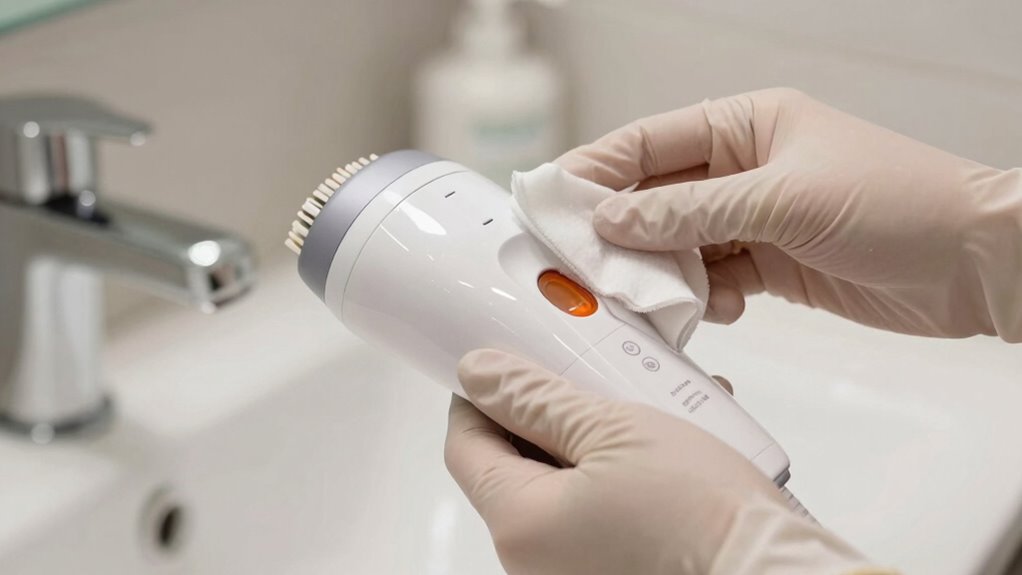
Maintaining proper hygiene for your hair removal devices is essential because these tools come into direct contact with your skin and can harbor bacteria if not cleaned regularly. Neglecting cleaning can lead to bacterial buildup, increasing the risk of skin infections and irritation. Regular cleaning also helps preserve device longevity, ensuring it continues to perform effectively over time. When bacteria and debris accumulate, they can cause the device’s components to deteriorate faster, reducing its lifespan. Additionally, filter maintenance plays a crucial role in keeping your device functioning at its best and preventing potential contamination. Proper cleaning routines help prevent bacteria from transferring to your skin, and device lifespan can be extended through consistent hygiene practices. Incorporating proper sterilization methods can further minimize the risk of bacterial transfer and enhance overall hygiene standards. Regular disinfection not only safeguards your skin but also maintains the device’s overall performance efficiency.
How Often Should You Clean Your At-Home Hair Removal Devices?
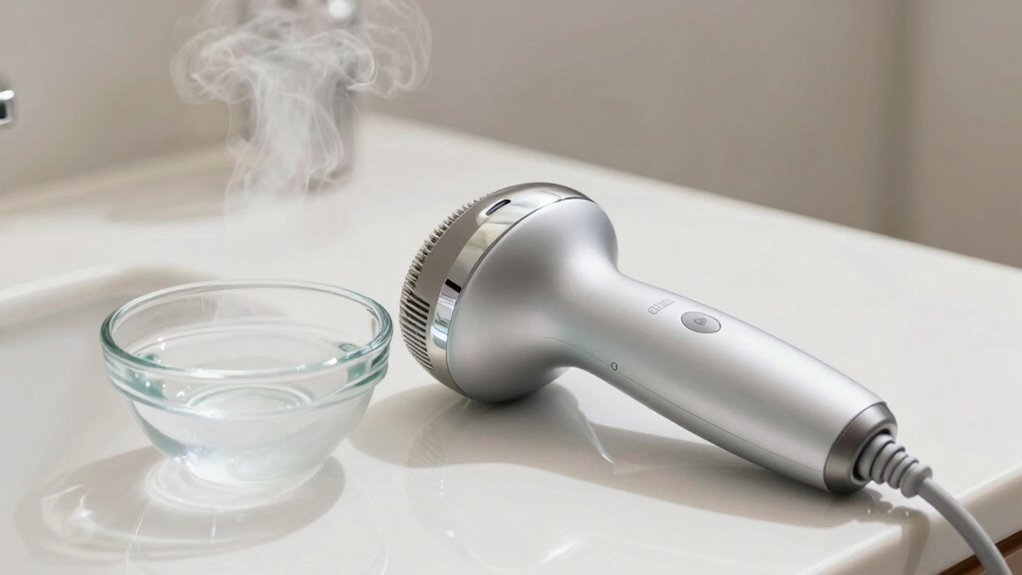
To guarantee your at-home hair removal devices stay effective and hygienic, it’s important to clean them regularly. Proper cleaning not only prevents infections but also extends the device lifespan. Generally, you should clean your device after every use to maintain ideal performance and hygiene. For devices used frequently, such as weekly, a more thorough cleaning every 2-3 uses is recommended. Additionally, understanding food safety principles can help reinforce the importance of regular cleaning routines to prevent contamination. Maintaining hygienic practices is essential for preventing bacterial transfer and ensuring safe use. Regular cleaning is also essential for maintaining device performance, which can be compromised by dirt and residue buildup. Proper sanitation procedures align with preventing bacterial growth, ensuring safer use of your devices. Incorporating cleaning techniques tailored to your specific device type can improve overall hygiene and longevity. Here are key points: 1. Clean after each session to prevent bacteria buildup. 2. Perform a deep clean weekly if used often. 3. Adjust cleaning frequency based on device type and usage to ensure longevity.
Regular cleaning after each use ensures your hair removal device stays effective and hygienic.
Consistent cleaning helps your device perform better and last longer, making your hair removal routine safer and more effective.
The Best Tools and Supplies for Safe Device Cleaning
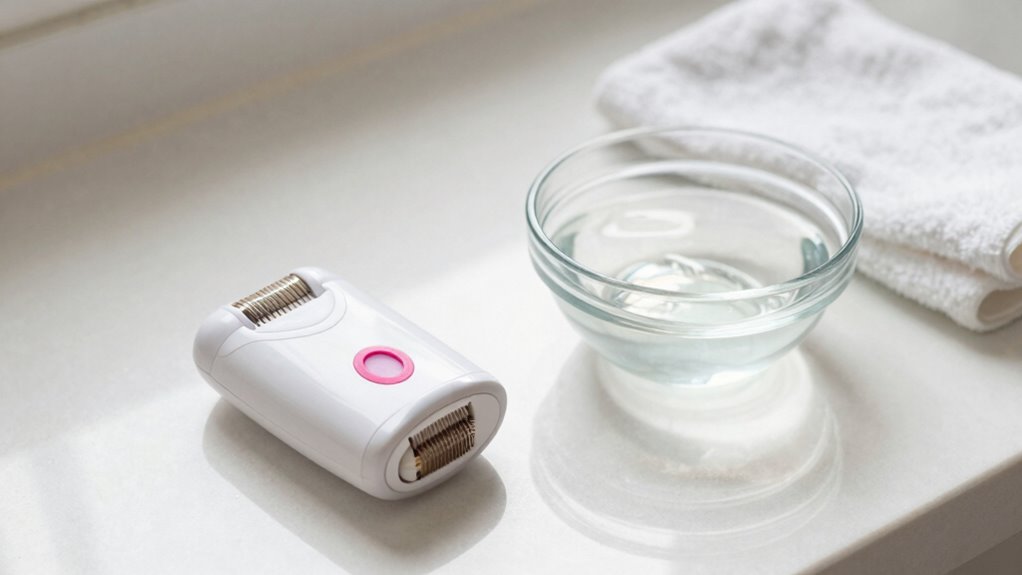
To keep your devices safe and hygienic, you need the right cleaning solutions that won’t cause damage. Make sure the solutions are compatible with your device’s materials and instructions. Don’t forget essential sanitizing tools like brushes and cloths to thoroughly clean all parts. Additionally, utilizing appropriate cleaning and maintenance practices can prolong the lifespan of your devices and ensure safe usage. Regularly inspecting your devices for sound quality issues can also help identify when cleaning or repairs are needed. Understanding filtration systems within your devices can also help improve their overall hygiene and performance. Being aware of media literacy principles can further help you interpret device indicators and avoid misinformation about maintenance. Implementing proper navigation and mapping techniques can assist in identifying areas that accumulate dirt or require special cleaning attention.
Compatible Cleaning Solutions
Choosing the right cleaning solutions is essential for safely maintaining your at-home hair removal devices. You want compatible cleaning solutions that won’t damage the device or cause skin irritation. Look for skin-friendly disinfectants that are gentle yet effective. Here are the top options:
- Isopropyl alcohol (70%) – a widely recommended compatible cleaning solution for disinfecting device surfaces.
- Mild soap and water – suitable for cleaning parts that aren’t electronic, ensuring they stay hygienic without harsh chemicals.
- Specialized device cleaners – specifically formulated skin-friendly disinfectants designed for hair removal tools, ensuring safety and cleanliness.
- Always verify that your chosen disinfectants are compatible with your device to prevent damage or ineffective cleaning and understanding the role of vetted products in effective hygiene practices].
Essential Sanitizing Tools
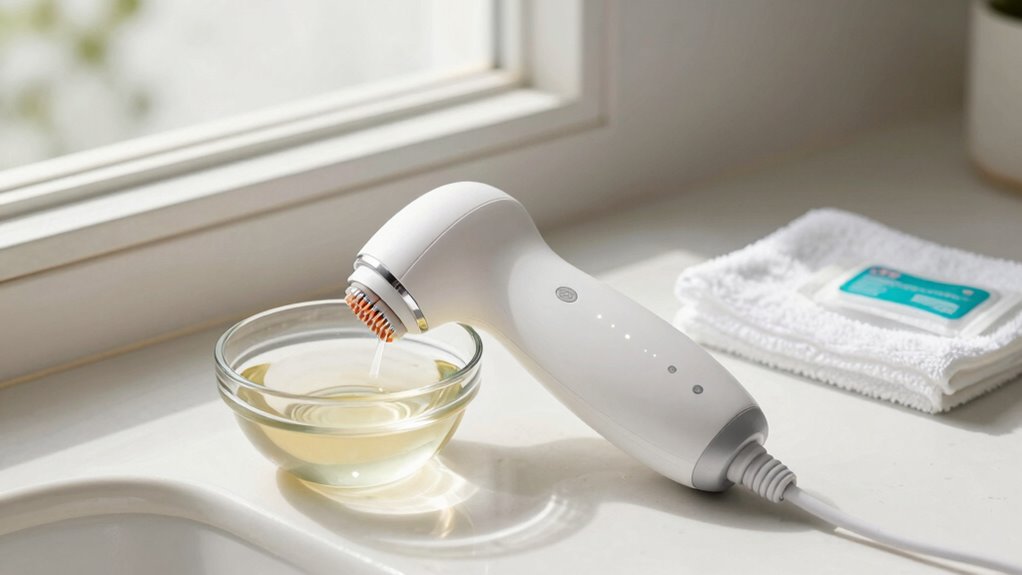
Having the right tools on hand makes cleaning your at-home hair removal device both effective and safe. Antiseptic wipes are essential for quickly disinfecting surfaces and small parts between uses, ensuring bacteria are eliminated. Keep a supply nearby for convenient sanitizing after each session. Sterilization containers are also vital for thorough cleaning; they allow you to submerge and sterilize larger components effectively. These containers help maintain a sterile environment and prevent cross-contamination. Investing in quality antiseptic wipes and a durable sterilization container simplifies your hygiene routine, making it easier to keep your device safe for regular use. Proper sanitation practices are crucial for preventing infections and maintaining device performance. With the proper tools, you reduce infection risks and prolong your device’s lifespan, ensuring a hygienic and safe hair removal experience at home. Incorporating proper sanitation practices into your routine further enhances safety and helps maintain device integrity over time. Additionally, choosing medical-grade disinfectants ensures that your cleaning process adheres to health standards and effectively kills germs without damaging your device.
How to Properly Clean and Maintain Your IPL and Laser Devices
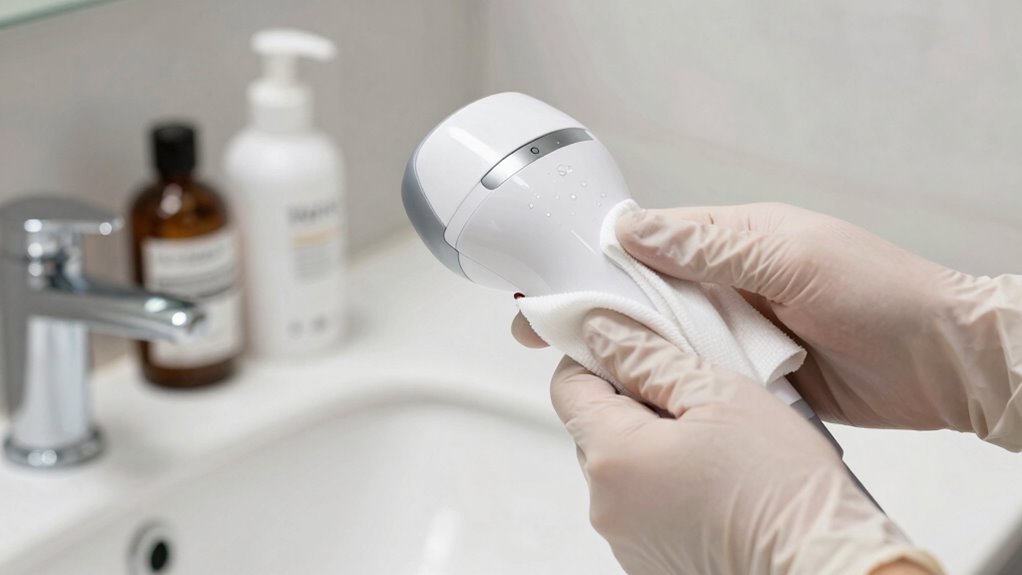
Properly cleaning and maintaining your IPL and laser devices is essential for ensuring their effectiveness and longevity. Regular device maintenance not only extends the lifespan but also keeps your treatments safe and hygienic. Here are some hygiene tips to follow:
- Use a soft, damp cloth to wipe down the device’s surface after each use, avoiding harsh chemicals.
- Check manufacturer instructions for cleaning specific parts, such as treatment windows or filters, and follow recommended procedures.
- Store the device in a clean, dry place to prevent dust buildup and damage.
Safe Ways to Disinfect Epilators and Waxing Tools

To guarantee your epilators and waxing tools remain hygienic and safe to use, it’s important to disinfect them regularly using effective methods. The key is choosing proper disinfection methods that eliminate bacteria and prevent infections. For epilators, wipe the head with isopropyl alcohol after each use and deep clean weekly with a disinfectant spray or soak in a disinfectant solution. Waxing tools like spatulas should be washed with soap and hot water after every session, then disinfected with alcohol or a sanitizing spray. Establish a consistent cleaning frequency—ideally after every use and weekly for thorough sterilization—to maintain hygiene. Regular disinfection not only prolongs your tools’ lifespan but also ensures safe, hygienic hair removal every time. Incorporating essential oils such as tea tree, eucalyptus, or lavender into your cleaning routine can provide additional antimicrobial benefits for skin health and rashes. Additionally, using proper sterilization techniques can help ensure complete elimination of germs and bacteria from your tools. Employing UV sterilizers can also be an effective method for sterilizing small tools and maintaining high hygiene standards. Using ultraviolet light for sterilization is especially useful for delicate or small devices that are difficult to soak or wipe thoroughly. Implementing professional sterilization equipment can further enhance your hygiene routine and ensure your tools are free of contaminants.
Common Mistakes That Can Damage Your Hair Removal Devices
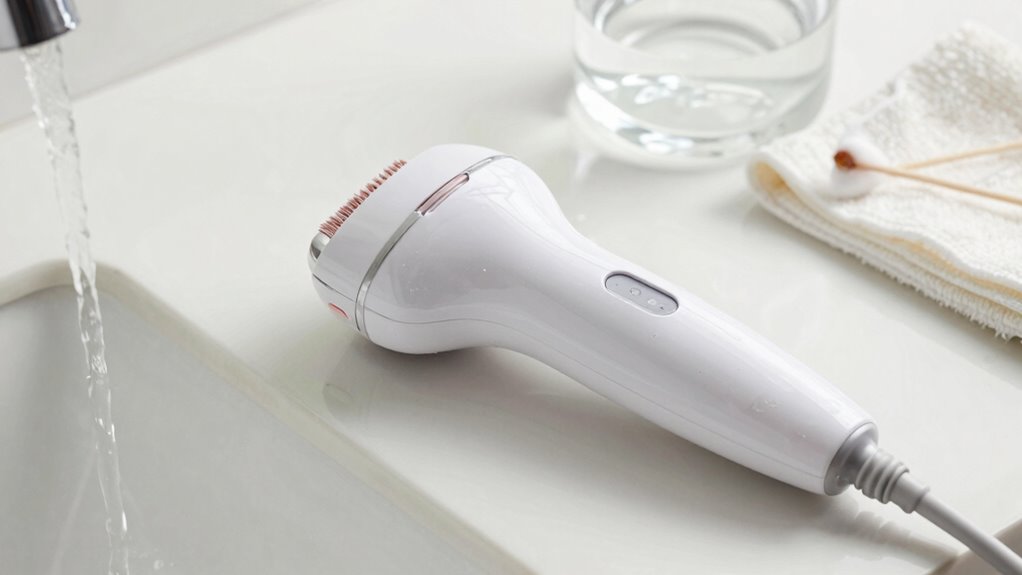
One common mistake that can damage your hair removal devices is using them on skin that isn’t properly prepared, such as applying too much pressure or pressing too hard. This can strain the device, reducing its lifespan and impairing performance. Improper handling can also compromise hygiene habits, leading to potential bacteria buildup. To avoid these issues, keep these tips in mind:
- Avoid pressing firmly; let the device glide gently over your skin.
- Don’t use the device on skin with lotions, oils, or dirt, which can clog or damage components.
- Clean your device regularly to maintain hygiene and guarantee optimal operation.
Following these practices helps preserve your device’s function, prolongs its lifespan, and keeps your skin healthy.
Best Practices for Storing Your Devices to Prevent Bacterial Growth
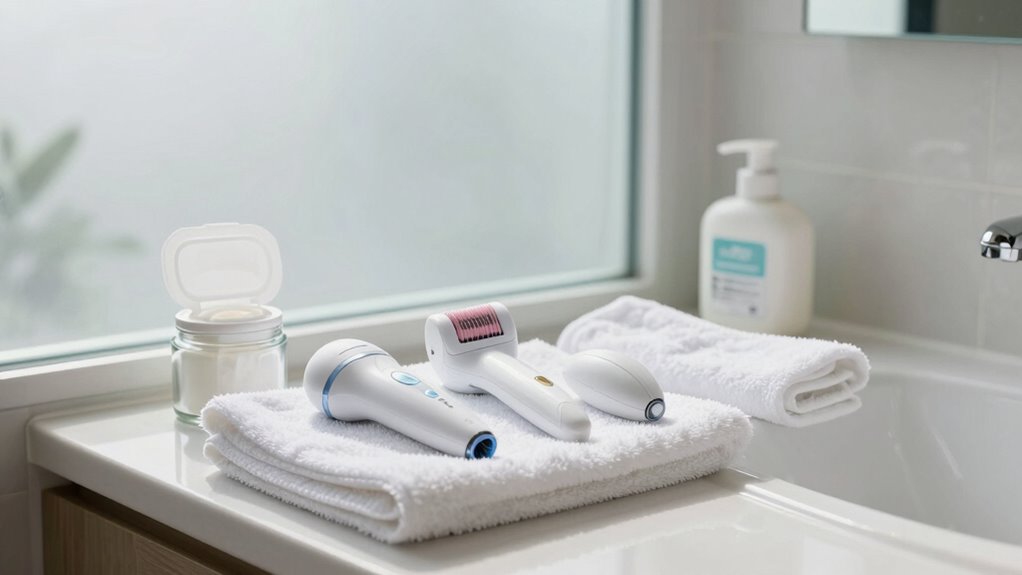
Storing your hair removal devices correctly is crucial to prevent bacterial growth and guarantee safe, effective use. Start with simple storage tips, such as keeping devices in a clean, dry place away from moisture and dust. Use a dedicated container or pouch to protect them from contaminants and accidental damage. Proper device organization makes it easier to find what you need and reduces clutter, which can harbor bacteria. Always ensure your devices are fully dry before storing, as dampness promotes bacteria. Avoid leaving devices in humid environments like bathrooms. Consider using a disinfected storage case that allows airflow. Regularly check your storage area for cleanliness, and replace storage solutions if they become dirty or worn. Proper storage keeps your devices safe, hygienic, and ready for effective use.
Signs Your Hair Removal Device Needs Professional Service or Replacement
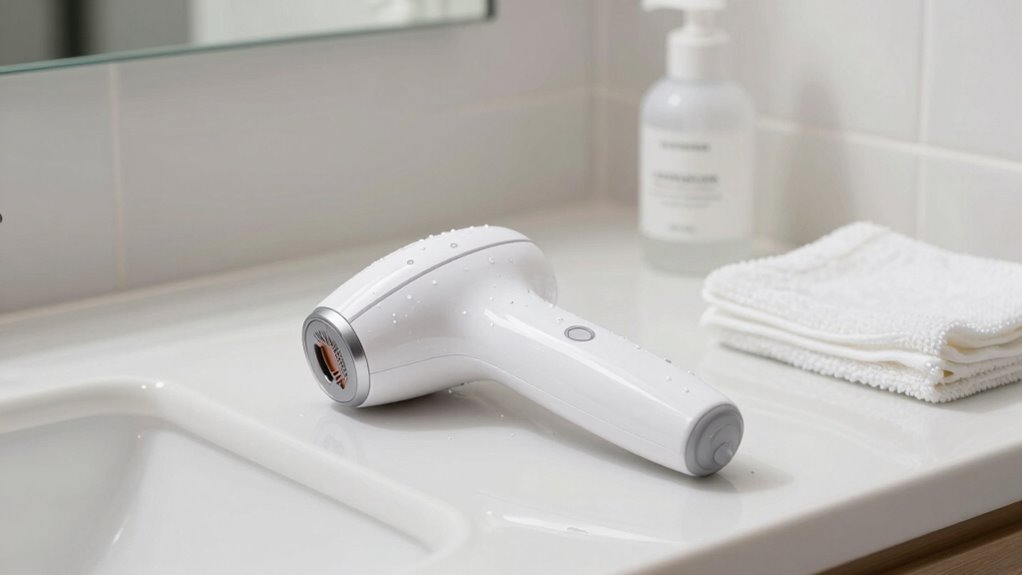
If you notice your hair removal device isn’t working as well as it used to, it might be time for a professional check or replacement. Visible skin reactions or irritation could also signal that your device needs attention. Additionally, frequent malfunctions or inconsistent performance are clear signs you should consider servicing or replacing it.
Device Performance Changes
When your hair removal device starts to perform less effectively, it’s a clear sign that professional servicing or replacement might be necessary. Changes in device performance often indicate that hygiene maintenance has been overlooked or internal components need attention. To spot these signs, consider the following:
- Reduced hair removal results despite consistent use, signaling the device isn’t delivering the same power.
- Unusual noises or overheating, which can point to internal issues needing expert inspection.
- Longer treatment times or the need for multiple passes, indicating diminished efficiency.
Regular hygiene maintenance helps preserve device performance, but if these signs persist, professional servicing or replacement is essential to ensure safety and effectiveness. Ignoring them risks ineffective treatments and potential device failure.
Visible Skin Reactions
Visible skin reactions are a clear indication that your hair removal device may need professional attention or replacement. If you notice persistent skin irritation, redness, or swelling after use, it’s a sign that the device might be malfunctioning or causing excessive trauma to your skin. Ignoring these reactions can increase the risk of infection and hinder skin healing. Proper infection prevention involves stopping use immediately and consulting a professional if reactions worsen or don’t improve. Additionally, unusual pain, blistering, or discoloration are warning signs that your device may no longer be safe or effective. Addressing these issues promptly helps protect your skin’s health and ensures safe, effective hair removal. Don’t overlook these reactions—they’re your skin’s way of signaling trouble.
Frequent Malfunctions
Frequent malfunctions are a clear sign that your hair removal device may need professional servicing or replacement. If your device isn’t functioning properly, it can compromise device calibration and user safety. Watch for these signs:
- Inconsistent treatment results, indicating calibration issues that affect effectiveness.
- Unexpected shutdowns or error messages, which could signal internal hardware problems.
- Physical damage or overheating, risking safety hazards during use.
Ignoring these signs may lead to ineffective hair removal or harm. Regular maintenance and timely repairs ensure your device operates safely and efficiently. If problems persist, consult a professional or consider replacing your device to protect your skin and safety. Properly functioning devices deliver ideal results while minimizing risks.
How to Keep Your Devices Hygienic When Sharing With Others
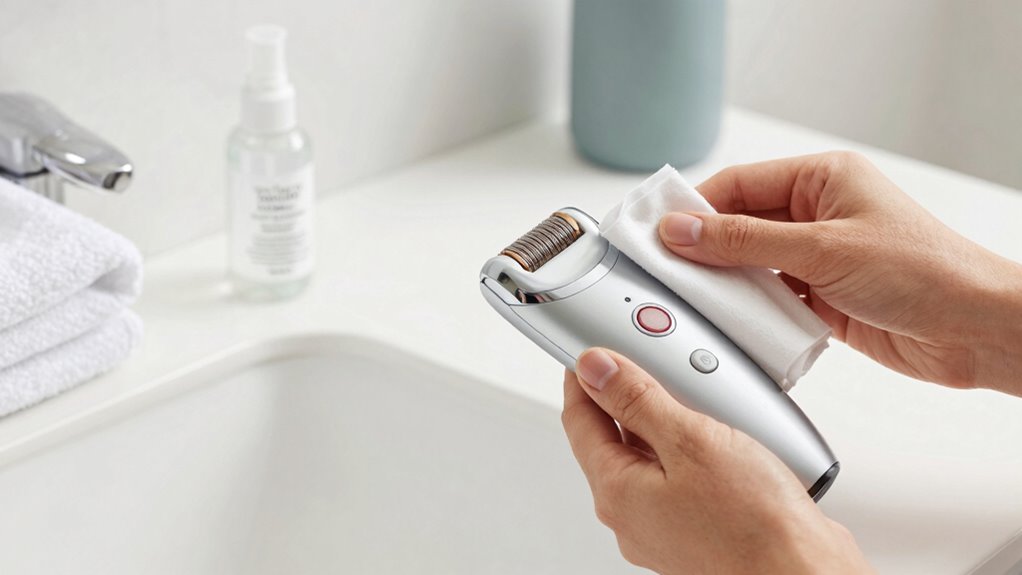
Sharing hair removal devices can save money and time, but it also raises hygiene concerns. To maintain proper sharing hygiene, always clean your device thoroughly before and after each use with a suitable disinfectant or alcohol wipe. This helps prevent bacteria, fungi, and skin infections from spreading between users. Consider using disposable covers or caps to add an extra layer of protection when sharing devices. If possible, avoid sharing devices altogether, especially if anyone has skin conditions or infections. Regular device sanitation is essential for safe sharing; follow manufacturer instructions for cleaning and maintenance. Remember, maintaining good hygiene practices ensures everyone’s safety and keeps your devices in excellent condition. Proper care reduces the risk of infections and prolongs device lifespan.
FAQs About Hair Removal Device Hygiene and Care
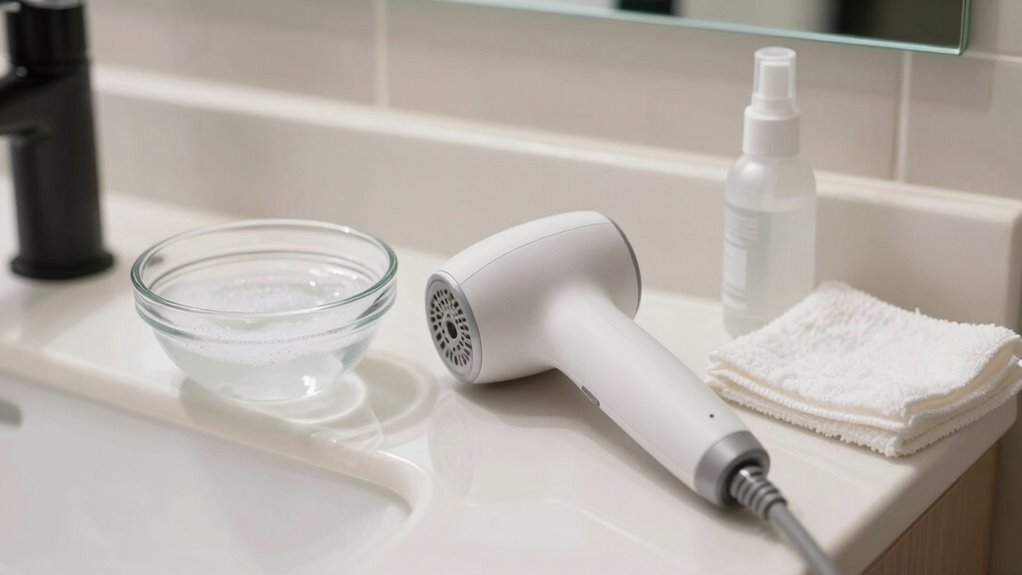
Proper hygiene and care for your hair removal device help guarantee safe, effective treatments and extend the device’s lifespan. Many people have hygiene misconceptions that lead to improper cleaning, affecting device longevity. To clarify common questions:
- How often should I clean my device? Clean after every use to prevent bacteria buildup and maintain ideal function.
- Can I use alcohol or disinfectants? Yes, but ensure they’re suitable for your device type to avoid damage.
- Will cleaning affect device performance? Proper cleaning preserves hygiene and ensures consistent, effective results over time.
Frequently Asked Questions
Can I Use Household Disinfectants on My Hair Removal Devices?
You shouldn’t use household disinfectants on your hair removal devices because they may damage the device or aren’t compatible. Always check the manufacturer’s instructions for cleaning and disinfecting. Use only the recommended cleaning solutions that are safe for your device’s material and design. This guarantees effective hygiene while maintaining device integrity. Avoid harsh chemicals, and if in doubt, contact customer support for guidance on safe cleaning practices.
How Do I Prevent Cross-Contamination When Sharing Devices?
You can prevent cross-contamination when sharing devices by always disinfecting them thoroughly before and after each use. Avoid device sharing whenever possible, or consider using disposable protective covers to minimize contamination. Store devices in a clean, separate area to prevent exposure to bacteria. Regularly inspect for damage or residue, and never share devices with someone who has skin infections. These steps help guarantee safe, contamination-free sharing practices.
Are There Specific Cleaning Methods for Waterproof vs. Non-Waterproof Devices?
Think of your device like a delicate aquarium. Waterproof devices are easier to clean; you can rinse and wipe them without worry. Use gentle soap and water, avoiding harsh chemicals, for waterproof devices. For non-waterproof ones, stick to a damp cloth and alcohol wipes, avoiding submersion. Always check your device’s waterproofing and follow specific cleaning techniques to keep it safe and effective, just like caring for fragile marine life.
How Often Should I Replace Parts to Maintain Hygiene?
You should replace parts like heads or attachments every 3 to 6 months to maintain hygiene. Regular replacement guarantees peak performance and reduces bacteria buildup. Check your device’s manufacturer guidelines for specific replacement frequency, as it varies by model. Consistently replacing parts is essential for hygiene maintenance, preventing infections, and ensuring safe, effective hair removal sessions. Don’t delay replacing worn or damaged parts to keep your device safe and hygienic.
What Are the Risks of Not Disinfecting My Device Properly?
If you don’t disinfect your device properly, you risk bacterial infections and skin irritations. Bacteria can thrive on unclean surfaces, causing breakouts, redness, and potential infections. Skin irritations may also occur from bacteria or residual hair removal products. Regularly cleaning and disinfecting your device minimizes these risks, keeping your skin healthy and preventing discomfort or more serious health issues. Don’t skip proper hygiene; it’s essential for safe, effective hair removal.
Conclusion
Keeping your at-home hair removal devices clean isn’t just about hygiene—it’s about safeguarding your skin and confidence. Think of your devices as trusted companions on your beauty journey; neglecting their care is like leaving a friend in the rain. By following proper cleaning routines, you ensure they serve you well and prevent unwanted skin issues. Remember, a little effort today maintains bacteria and problems at bay, making your smooth, radiant skin a lasting victory.
Fall Picks
fall essentials
As an affiliate, we earn on qualifying purchases.